Big shoutout to sohail_syed for dropping this gem. I grabbed it, ran into some problems, poked around… and basically rewrote the whole thing. Oops. But hey — it works now.
 What Was Broken
You know that annoying “Failed to fetch” error everyone kept hitting?
Yeah. The extension was trying to talk to a server, and your browser said “nope, I don’t trust this conversation.” Classic overprotective browser behavior.
 What I Fixed
I made the extension talk to the server in a sneaky, allowed way — like passing notes through a friend instead of yelling across the room.
Result? No more error. Just vibes.
 How to Apply (Easy Mode)
Don’t panic. You’re basically just copy-pasting two things.
Step 1 — Replace background.js
Open your extension folder. Find background.js. Delete everything inside it. Paste this:
!function(){"use strict";async function s(s){const e=[],t=[];setTimeout((()=>this.sendResponse({success:!1,error:"Timeout"})),1e4);for(const n of s)try{e.push(await n)}catch(s){t.push(s),console.log(s)}const n={};t.length>0?(1===t.length?n.error=t[0]:n.errors=t,n.success=!1):(1===e.length?n.result=e[0]:n.results=e,n.success=!0),this.sendResponse(n)}async function e(){const{url:s,config:e}=this.params;const r=await fetch(s,e);return{ok:r.ok,status:r.status,text:await r.text()}}chrome=chrome??browser,chrome.runtime.onMessage.addListener((function(t,n,r){const{method:o,params:c}=t;if(this.sender=n,this.sendResponse=r,this.params=c,"proxyFetch"===o)return s.call(this,[e.call(this)]),!0;r({success:!1,error:"Unknown method"})}))}();
chrome.runtime.onInstalled.addListener((details) => {
if (details.reason === 'install') {
chrome.storage.local.set({ 'installPopupShown': false }, () => {
chrome.tabs.create({
url: chrome.runtime.getURL('install-popup.html')
});
});
}
});
Done with this file. Close it.
Step 2 — Patch quillbot.js
Open quillbot.js.
Part A: Paste this at the very top (line 1, before anything else):
async function proxyFetch(e,t){return new Promise(((n,r)=>{const o={method:"proxyFetch",params:{url:e,config:t}},s=e=>{window.removeEventListener("QuillBot-Premium-Crack-Receive",s);const t=e.detail;if(t.success){const e=t.result;n({ok:e.ok,status:e.status,text:async()=>e.text,json:async()=>JSON.parse(e.text)})}else r(new Error(t.error||"Unknown error"))};window.addEventListener("QuillBot-Premium-Crack-Receive",s),window.dispatchEvent(new CustomEvent("QuillBot-Premium-Crack-Send",{detail:o}))}))};
Part B: Use Ctrl+F. Search for fetch(Mj+e. Change it to proxyFetch(Mj+e.
That’s it. Save the file.
Step 3 — Reload Everything
- Go to
chrome://extensions/
- Hit the little reload button on the QuillBot extension
- Refresh QuillBot’s website
 Boom. Fixed.
 Download
Grab the patched version here → MEGA (Utilize the Finale Fix Edition.)
No more error. No more frustration. Just free premium features doing their thing.
You’re welcome. 






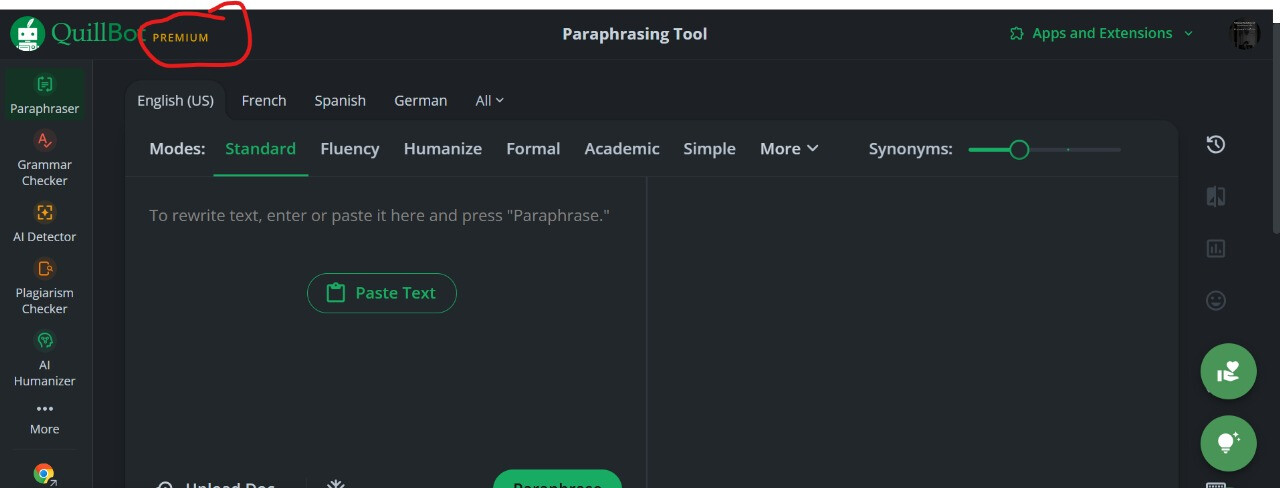
wait is over now
 QuillBot Premium Extension With Source Code Free
 How It Works?
 Download Links:
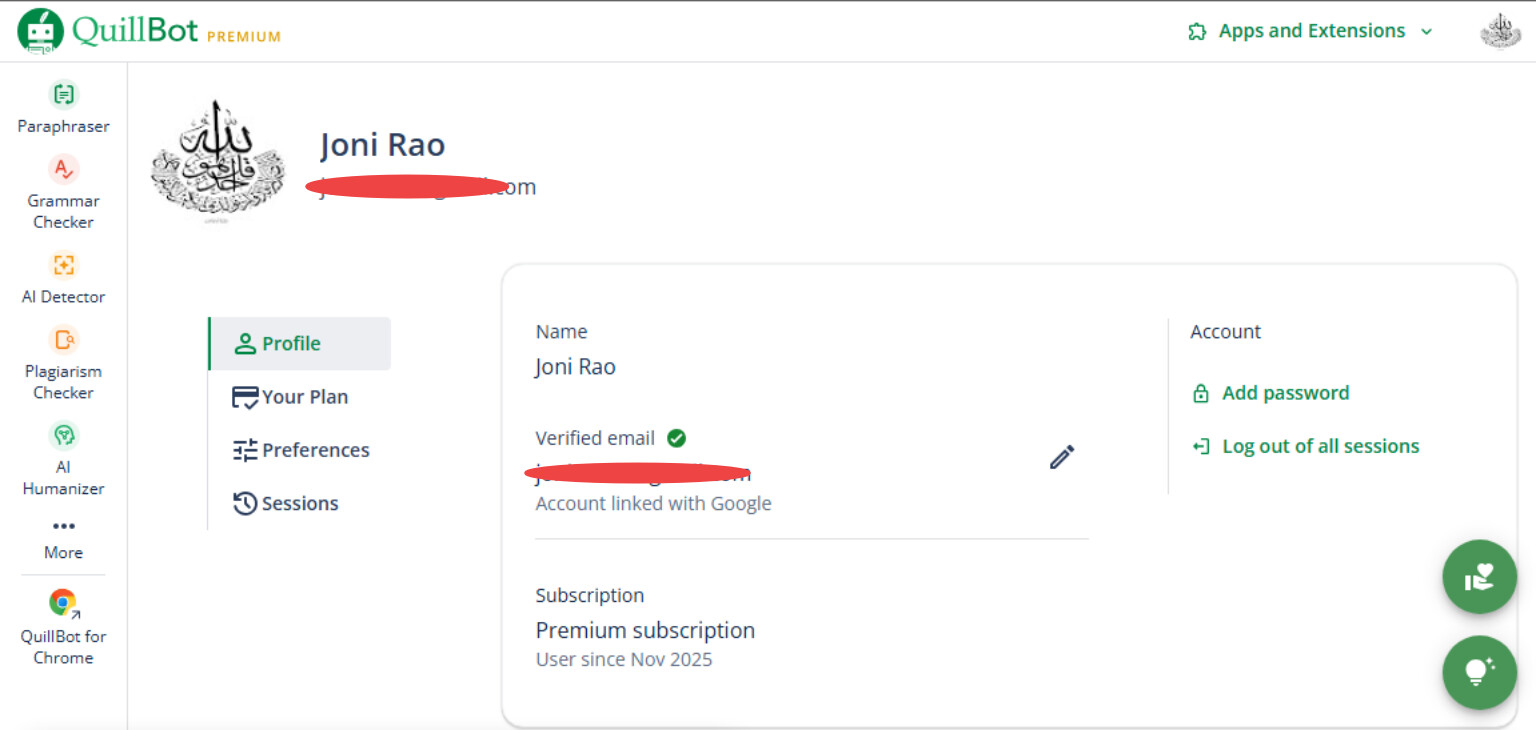
 but it works smooth .
 Working. You Always Share Quality Tools Bro.


 Bro, I Am Here To Help, Not To Steal Your Data!!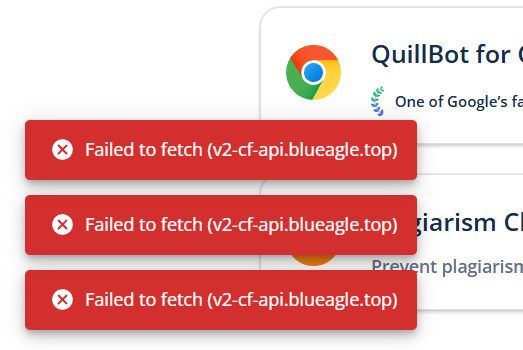
 !
!