






How to claim it:
- Visit: https://edu.imagilabs.com/
- Register with your name, email, and any school name
- Log in to your dashboard
- Click “Create a Classroom” or “Add Class”
- Enter a class name (for example: ABC Class)
- The system will generate a class code or invite link
- In your imagi dashboard, find the section for Lovable or Hour of AI
- Click to activate it
- Once activated, Lovable Lite (Pro features) will be unlocked for your account.
- Congrats. You now have free access to Lovable Lite.
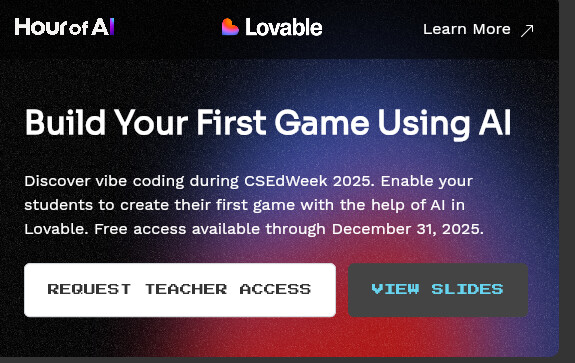
More details: https://lovable.dev/classroom?utm_source=loveable_redirect
 !
!