2 Select “Sierra College” from the drop-down menu or “Crafton Hills College” if you want unlimited Google Drive. Click Apply. Twice.
3 Create an OpenCCC account using fake information. If the generated street address doesn’t work, enter something generic (i.e. 7458 Main St).
4 When you’re done registering, click Start A New Application. Use information that matches that of your OpenCCC account.
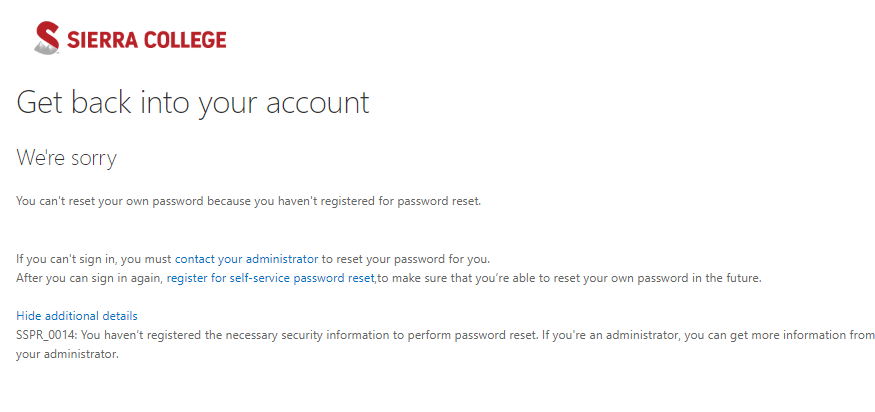
5 In a few minutes, you will receive a “Welcome to ___ College” email. Carefully read and follow its instructions to gain access to your .edu account. Note that it takes awhile before your user ID registers and you can reset your password.
6 You can use your new OpenCCC account to get as many .edu email addresses as you want, although each must be from a different college.
Not required if you can easily access to the address. If your ISP does not block these addresses you are good to go, otherwise, Use any free VPN to access.
Used details from fakenamegen as suggested.
I created an account in Openccc.
I applied for Sierra to test.
What next? Will i receive an email regarding the username and password for sierra login?
If so, it’s been a while now around 1hr, does it take more time than this?
you will receive student mail id and then all details needs to be followed to get password .At first login with email id and go for forgot password option.
@Aina Github student pack got rejected after wating for 7 days i created a fake ID card using online photoshop and uploaded but it seems to be rejected do you have any other means of bypassing the verification



 !
!