 What This Thing Actually Does
Imagine running GPT-4 (yeah, the smart one) on your own laptop or server without paying OpenAI a single rupee, dollar, or soul.
This setup fakes an OpenAI server using free versions like DeepSeek-R1 and Bing Chat—and your tools will believe it’s the real thing.
- Works like the real GPT-4 API
- Runs with a single command (Docker = shortcut mode)
- Your device does nothing—everything is handled by remote bots
Repo:
 https://github.com/aledipa/Free-GPT4-WEB-API
Docker image (aka “cheat mode”):
https://hub.docker.com/r/d0ckmg/free-gpt4-web-api
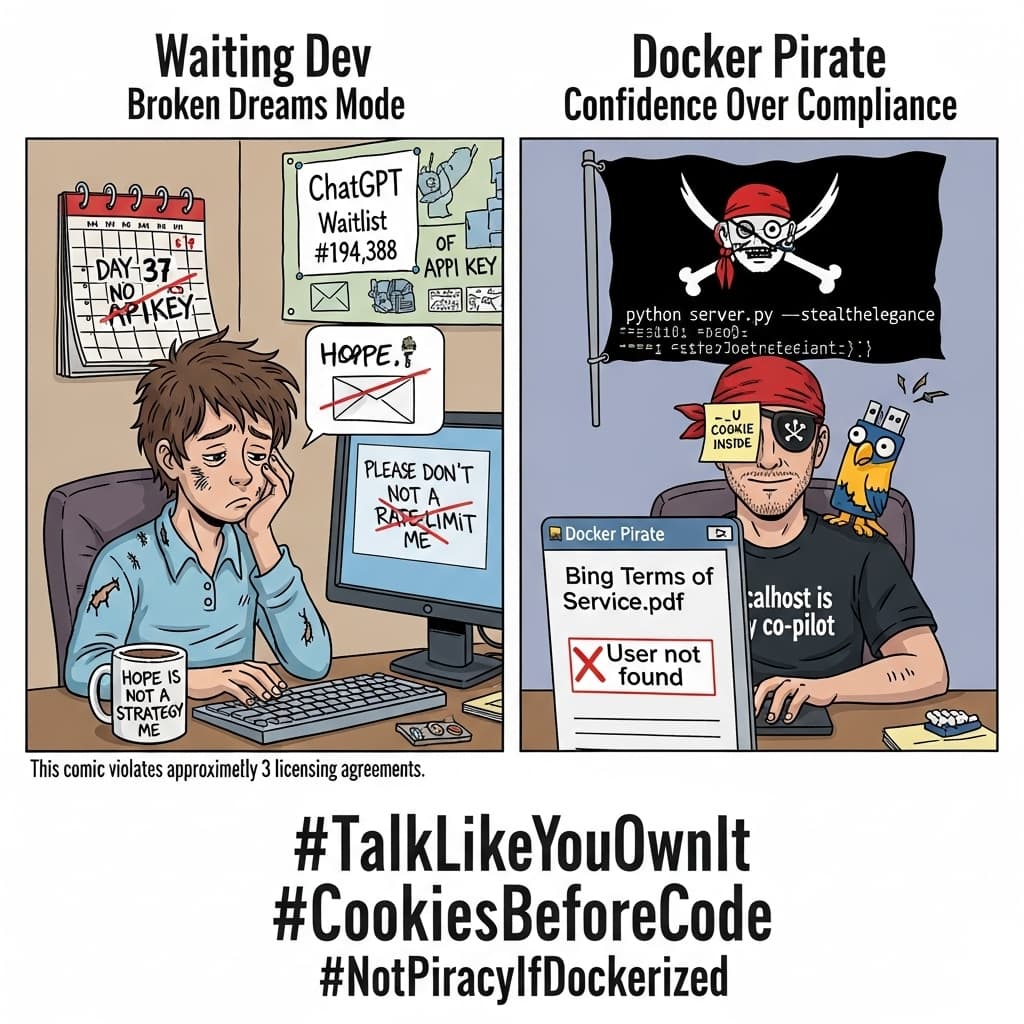
 What You’re Actually Doing
Fake OpenAI ➜ Send Question ➜ Get Smart Answer
 The “I Know Nothing” Setup (Super Simple)
 Option A – Easy Mode with Docker
-
Install Docker
- Windows/macOS: Just Google “Docker Desktop” and click “Next” until it’s over.
- Linux:
sudo apt install docker.io docker-compose-plugin
(don’t worry, it’s one line—you’ll survive)
-
Copy-Paste This Magic
Run this in terminal or PowerShell:docker run -d --name freegpt4 -p 5500:5500 d0ckmg/free-gpt4-web-api:latest
-
Using Bing (Hard Mode)?
Bing makes you bring cookies to the party.
Get your_Ucookie (with browser extension), save it as:
cookies.json→
{ "_U": "PASTE-YOUR-BING-COOKIE-HERE" }Then run:
docker run -d --name freegpt4
-v “$PWD/cookies.json”:/cookies.json:ro
-e PROVIDER=Bing
-p 5500:5500 d0ckmg/free-gpt4-web-api:latest -
Open the Control Panel (Yes, It Has One)
Go to:
http://localhost:5500/settings
Choose GPT-4o or DeepSeek-R1.
(Password shows up in Docker logs—yes, go read them.) -
Try Talking to It
Fire this in terminal:
Congrats, you now speak fluent AI… for free.
 Option B – The “I Hate Docker” Manual Setup
-
Download it:
git clone https://github.com/aledipa/Free-GPT4-WEB-API
cd Free-GPT4-WEB-API
pip install -r requirements.txt
(Takes 2 mins, no wizard robes needed) -
Run it like a boss:
python FreeGPT4_Server.py --enable-gui --password letmein
-
Boom. Web panel:
 Bonus Tricks
| What You Want | What To Do |
|---|---|
| Start on reboot | docker update --restart always freegpt4 |
| Change port | -p 8080:5500 instead |
| Avoid bans | --enable-proxies (or wear a digital disguise) |
| Use on other PCs | Replace localhost with your IP address |
 What Could Go Wrong (And Will)
- Bing hates freeloaders – It blocks you if you overdo it. Switch to DeepSeek-R1 when the vibe’s off.
- Login doesn’t work – You skipped
--password, didn’t read logs, or cursed the terminal. Try again. - GUI missing? – Port 5500 might be used by something else. Blame Zoom.
 The Sad Truths
- This isn’t officially allowed by Bing or DeepSeek. You’re tiptoeing in the digital grey zone with night-vision goggles.
- Bing access needs a cookie. DeepSeek works without drama.
- Everything looks like OpenAI to your tools. They’ll never know.
- GPT-4o answers like a pro, DeepSeek responds faster but types like it’s dodging snipers.
 Handy Links You Actually Need
- GitHub Source:
https://github.com/aledipa/Free-GPT4-WEB-API - Docker Image:
https://hub.docker.com/r/d0ckmg/free-gpt4-web-api - DeepSeek Docs:
https://platform.deepseek.com/docs - Cookie Grabber (Chrome ext):
https://www.editthiscookie.com/
 Final Thought

No keys. No limits. Just slightly illegal magic running on borrowed cookies and blind confidence.
 !
!