





Fresh Google accounts — no phone/SMS, no QR code, no verification

  1. Download SmartGaGa v4
    – This is an older Android emulator that runs Android 4.
    – It comes with legacy Google Play integration.
  2. Install and Launch
    – Open SmartGaGa v4 on your PC.
    – Make sure the emulator is set to Android 4 (default).
  3. Root & Settings
    – Enable root mode inside the emulator.
    – Go to the old Google Play settings (the classic interface).
  4. Create Your Google Account
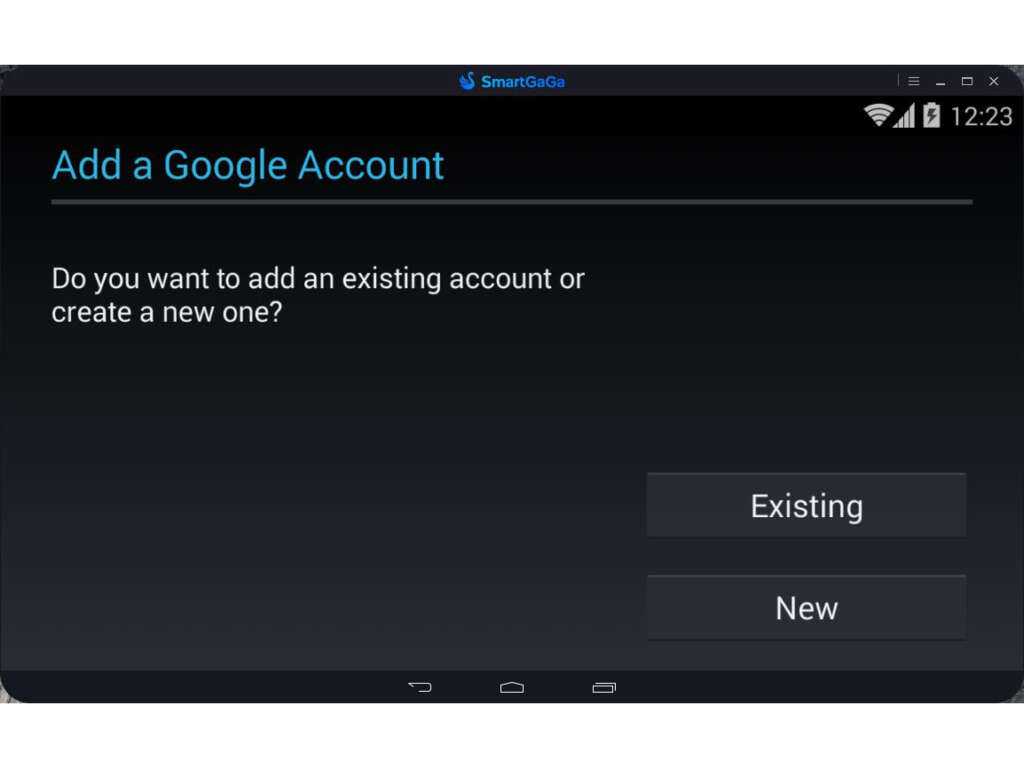
    – Inside the emulator, choose Create New Account.
    – Because this uses the old integration, Google will not ask for phone number, QR code, or extra verification.
  5. Finish Setup
    – Once done, you’ll have a fresh Google account.
    – It won’t require linking a phone number or scanning any code.
link : SmartGaGa 3.1 OB45

12 Likes

have u tested it ???

But later it will ask where i do and you can create limit mails per week.

1 Like

yes hh i tested when play free fire account trail

1 Like

i dont understand ?

unlimited ??

How can I enable root and change to ‘classic interface’ please?

Same question

SmartGaGa mod (rooted) downloaded directly. It’s a version edited by Brazil and it has root access.

the one you linked doesn’t have google play

1 Like

Thanks, but I can’t find “the old Google Play settings (the classic interface)” from app downloaded from your link.

i think here’s half info regarding this thing

The emulator version you shared does not have Google Play Store nor Play Services. you technically can’t create a google account with that.

its esay 1 search you find google package to install

its so weird to make a post telling people to search on internet. what is the use of your post tbh :laughing: ??

2 Likes

Man, I already tried like 3 different packages for Android 4 , and every single one crashed my Windows with a blue screen when trying to install it in the emulator . Feels like you ain’t even tried that method yourself before dropping it here.

Please make sure you try if the methods work before sharing them here.

2 Likes

not working